Use a preview to inspect color dependence, with its limits in view
Achromatopsia: What a Grayscale Simulator Shows
Quick answer
An achromatopsia preview can show whether an image depends on color alone.
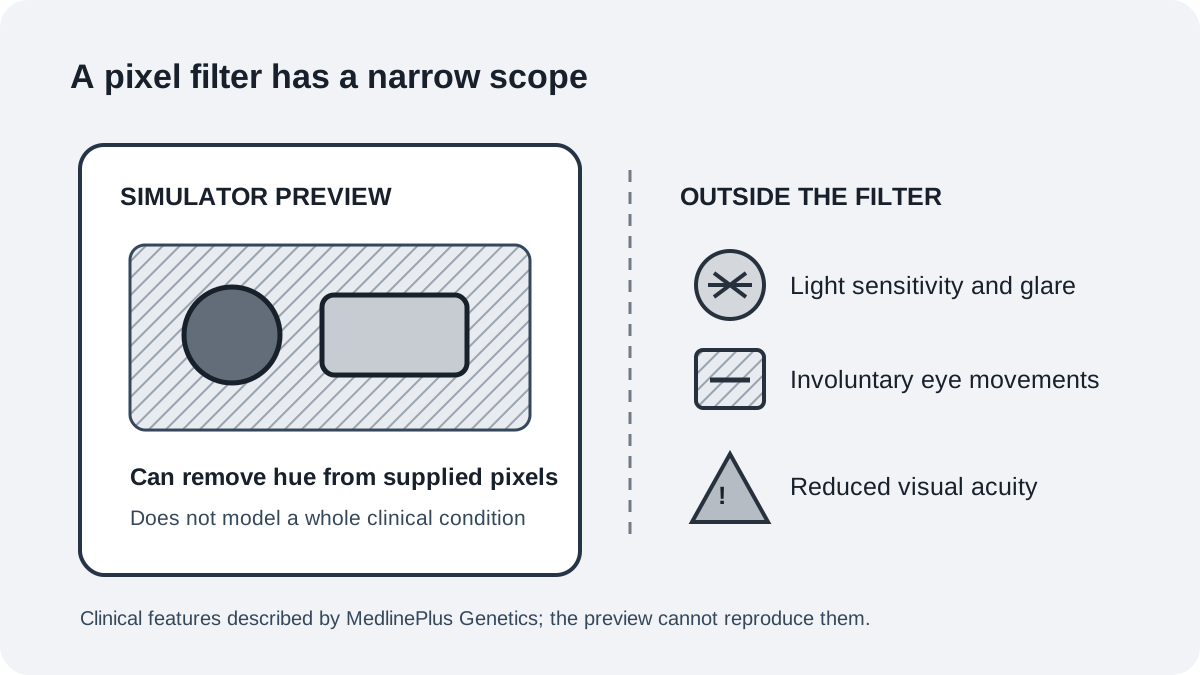
This simulator turns a supplied image into a luminance-based grayscale preview. It can help you inspect whether labels, objects, or regions remain distinguishable without hue. It does not reproduce achromatopsia as a lived condition: it cannot model light sensitivity, reduced visual acuity, eye movements, or an individual person’s vision.
Try it now: open the simulator, choose a representative image, and select Achromatopsia Luminance grayscale in every method. Compare the original with the grayscale result, then add a label, shape, pattern, or outline wherever color carries the only meaning.
Open the image simulatorWhat the grayscale preview removes
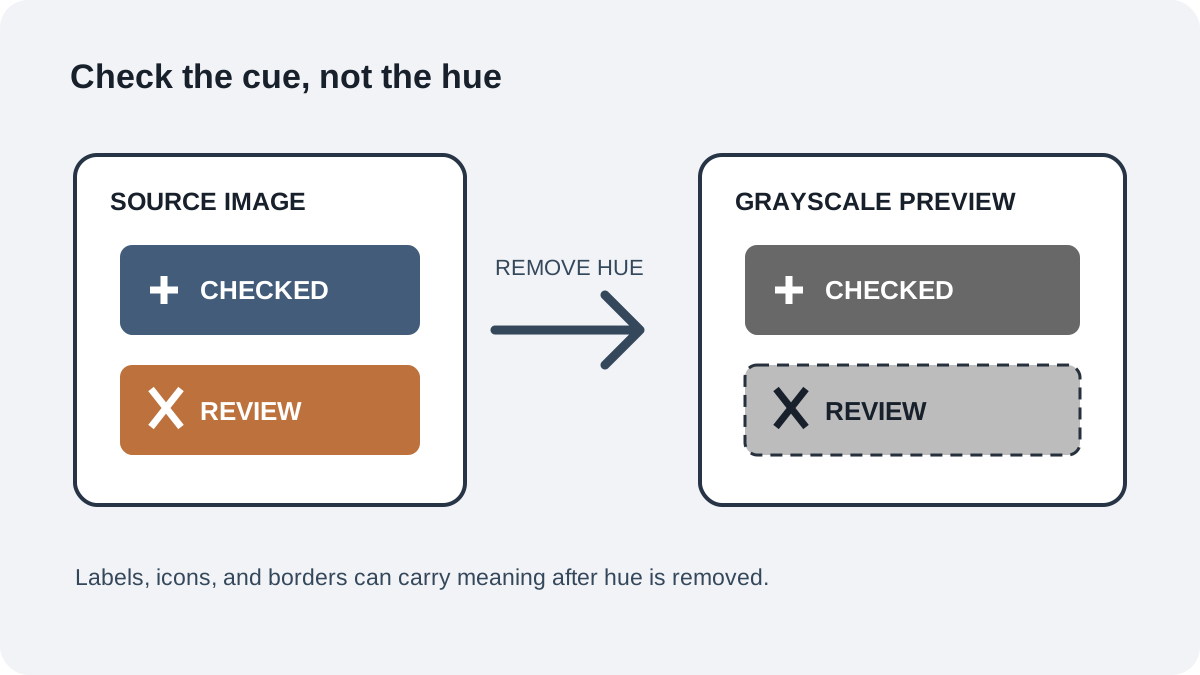
Color can separate two buttons, chart series, map areas, or objects in a photograph. A grayscale rendering removes hue as a distinguishing cue while retaining light and dark structure from the source. That makes it useful for one focused design question: can someone still identify the item that matters when color information is absent?
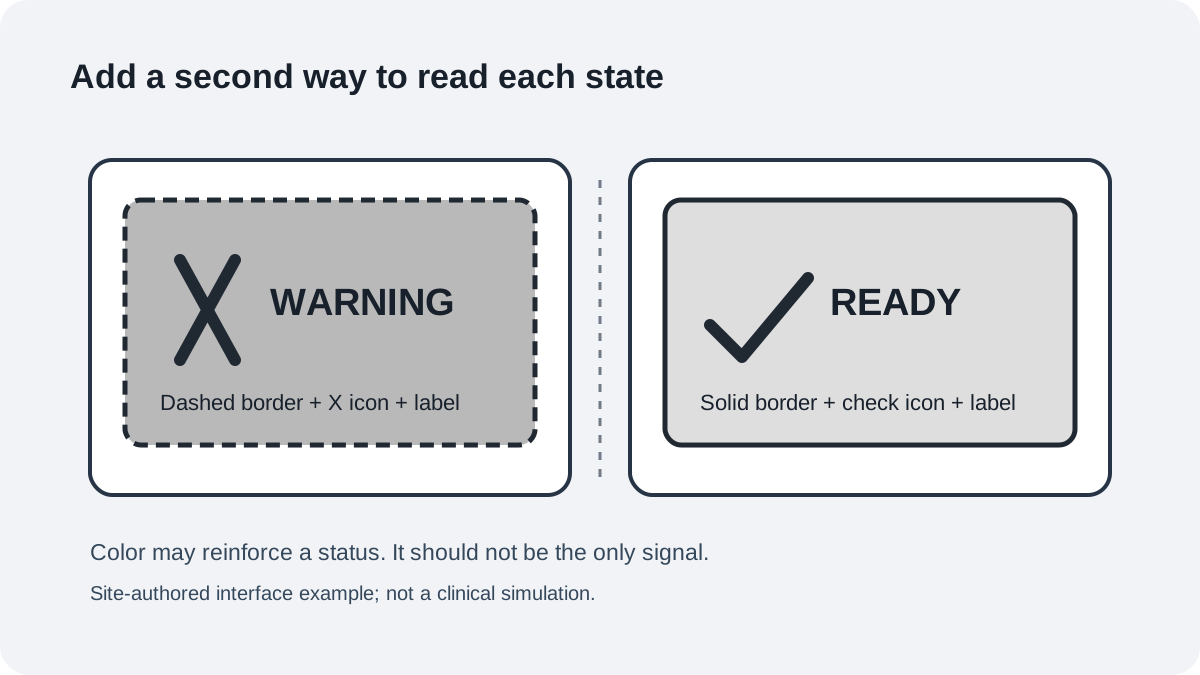
Choose an image that reflects a real task rather than a decorative sample. If a chart’s two lines merge, try different dash patterns and label each line directly. If a warning becomes hard to find, pair its color with a clear icon and a word such as “Warning.” Then compare the revised image using the same grayscale preview.
Achromatopsia and monochromacy are clinical terms
MedlinePlus Genetics describes complete achromatopsia as an inability to perceive color and incomplete achromatopsia as a form in which some color can be seen. The same source notes that people may also have light sensitivity and glare, involuntary eye movements, or reduced visual acuity. Those features concern vision beyond hue, so a grayscale filter cannot stand in for them.
“Monochromacy” appears as a related term in some discussions of color vision. Terminology and clinical features are more nuanced than a single filter setting. A digital preview only changes the supplied pixels; it cannot assess a person or confirm a diagnosis. If you have a concern about your own vision, seek an eye-care professional rather than using a simulator as a test.
A repeatable check for a real image
- Name the decision the image needs to support: identify a state, follow a line, or find a region.
- Open the original asset in the simulator and select the achromatopsia grayscale view.
- Keep the image and crop unchanged while you inspect the same decision in the original and preview.
- Mark any point where meaning relies on a hue difference alone.
- Add a direct label, distinct shape, line pattern, border, or position cue.
- Repeat the comparison and check that the decision remains clear without color.
This process tests a design against a grayscale rendering. It does not estimate how a person with achromatopsia would see that image. When the design affects access to information, pair technical checks with feedback from people who use it.
Read the result as a design signal
If an item remains identifiable in grayscale, the image has a cue besides hue that may help carry its meaning. If items become difficult to tell apart, treat that as a prompt to add another cue. Neither outcome says whether a clinical simulation is accurate or whether a particular person will find the design usable.
Keep the source image and task fixed when comparing a revision. Describe the result precisely: for example, “the two status labels remain readable in the grayscale preview.” Avoid broad claims such as “this is what people with achromatopsia see.”
Test a candidate filter on the same image
Use this setting as a comparison reference while building a filter. Run the same source image through this simulator and your candidate filter; keep the crop, output size, and task fixed. Record the filename, transform version, task cue, and any difference in a short test log. This makes the comparison repeatable for that image instead of relying on memory.
A close match means only that the two transforms produce similar outputs for that file and setting; it does not establish clinical accuracy. Because this preview renders grayscale, it cannot test colors a person with incomplete achromatopsia may still perceive. Use it to inspect non-color cues, and have people with relevant experience review color-dependent tasks.
Sources and limits
The clinical description here follows MedlinePlus Genetics’ distinction between complete and incomplete achromatopsia and its list of possible additional vision features. The site’s grayscale preview is a design inspection method, not a clinical model or diagnostic tool.
A June 2023 discussion in r/ColorBlind described converting an image to grayscale as a way to consider whether two colors might be confused. That personal comment is a design clue, not clinical evidence and not a universal account. This guide paraphrases the idea and does not claim to report an owner’s experience.